


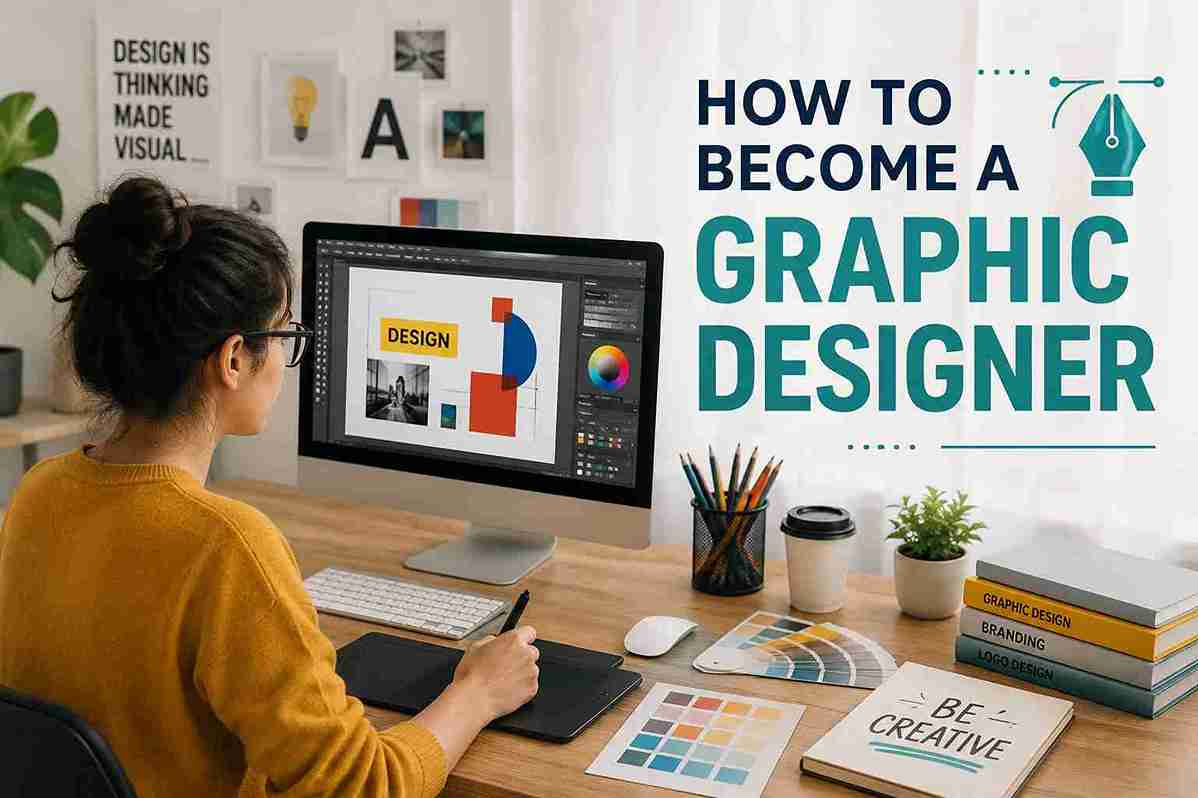
Think about the logo on your favourite brand, a poster outside a shop or a social media post that catches your eye. All these creations start with an idea, but someone has to turn that idea into a visual that people can see.
This is where graphic design becomes important. From businesses to social media creators, many people use visual designs to share their ideas and attract attention. But what goes into creating these designs? And what does a graphic designer actually do? Let’s find out.
What Is Graphic Designing?
Graphic designing is the process of creating visual content using images, colours, text and shapes to share an idea or message. It is used to create things like logos, posters, advertisements, social media posts, banners and more. The person who creates these designs is called a graphic designer. Their work helps businesses and brands present information in a clear and attractive way.
What Does A Graphic Designer Do?


A graphic designer takes an idea and turns it into a visual that people can see and understand. The work can be different based on the company, project and type of design.
- Turn ideas into visuals using images, colours, text and shapes
- Create social media posts, ads, posters, banners and other designs
- Design logos and other visuals for brands
- Choose fonts, colours and layouts that fit the design
- Edit images and make designs for different platforms
- Make changes when the client or team gives feedback
- Prepare the final design for social media, websites or printing
Types Of Graphic Design
Graphic design is used for many different purposes. The type of design depends on what you want to create and where people will see it.
1. Logo And Brand Design
This type of design helps people recognize a business or brand. A graphic designer may create a logo, choose brand colours and design other visuals that give the brand a clear look.
2. Social Media Design
Social media design is used to create visuals for platforms like Instagram, Facebook and LinkedIn. Designers may create posts, stories, banners and other graphics that catch people’s attention.
3. Advertising Design
Advertising design helps businesses promote their products or services. A designer may create ads, posters, banners or other visuals that show what the business offers.
4. Print Design
Print design is made for materials that people can see and use offline. Examples include posters, flyers, brochures, business cards and magazines.
5. Packaging Design
Packaging design is about how a product looks on the outside. A designer may work on the box, label, colours and images. Good packaging can make a product easier to notice in a shop.
6. Web And UI Design
Web and UI design focuses on the look of websites and apps. Designers work on things like page layouts, buttons, icons and menus. The goal is to make the screen easy to understand and use.
7. Motion Graphics Design
Motion graphics add movement to graphic designs. Designers may create moving text, shapes, images or effects for videos, ads and social media content.
Skills Required To Become A Graphic Designer
You do not need to be an expert to start learning graphic design. With practice, you can improve your design skills and learn how to use different design tools.
1. Creativity: A graphic designer needs to come up with new ideas. You may need to find a different way to show a message through images, colours and text.
2. Knowledge Of Colors And Fonts: Colors and fonts can change how a design looks and feels. A designer should know how to choose combinations that are easy to read and match the purpose of the design.
3. Layout And Design Sense: A good design should look organised. You need to know where to place images, text and other elements so the design is easy to understand.
4. Communication Skills: Graphic designers often work with clients, managers or other team members. You need to understand what they want and explain your design ideas clearly.
5. Attention To Detail: Small mistakes can affect the final design. A designer needs to check things like spelling, spacing, colours and image quality before sharing the final work.
6. Design Software Skills: Graphic designers use tools to create and edit designs. Learning software such as Adobe Photoshop, Illustrator or Canva can help you create different types of designs.
7. Time Management: Design work often comes with deadlines. You need to plan your work and finish designs on time without missing important details.
Tools Used By Graphic Designers
Graphic designers use different tools to create, edit and improve their designs. The tool they use depends on the type of work they are doing. Some of the most commonly used tools are:
1. Adobe Photoshop
Mainly used for photo editing and digital artwork. It can remove backgrounds, adjust colours, add text and combine multiple images. This makes it useful for designs that need detailed image editing.
2. Adobe Illustrator
Used for logos, icons, illustrations and vector graphics. Designs made in Illustrator can be resized without losing quality. It is a popular choice for branding and other graphics used in different sizes.
3. Canva
Made for creating designs quickly and easily. It is commonly used for social media posts, presentations, posters and simple marketing graphics. Ready-made templates make it a convenient option for beginners.
4. Adobe InDesign
Best suited for documents with several pages. It is often used for brochures, magazines, books, catalogues and other print materials. The software helps arrange text and images in a clean layout.
5. Figma
Mainly used for website and app design. It helps create page layouts, buttons, menus and other interface elements before development begins. It also supports collaboration between designers and other team members.
6. CorelDRAW
Often used for vector graphics and print work. Common uses include logos, banners, signs and marketing materials. It is especially useful when the same design needs to be printed in different sizes.
7. Adobe Express
Designed for quick and simple visual content. It can be used for social media graphics, promotional posts and short videos. The simpler interface makes basic design work faster.
8. Affinity Designer
Used for vector graphics, illustrations and digital artwork. It offers another option for creating logos, icons and detailed designs without relying on Adobe software.
How To Become A Graphic Designer?
- Learn The Basics Of Graphic Design: Learn how colours, fonts, shapes, images and layouts work together. These basics help make designs clear and balanced.
- Learn Graphic Design Tools: Start with tools such as Photoshop, Illustrator, Canva or Figma. Learn one tool first and slowly move to more advanced features.
- Practice By Creating Designs: Create logos, posters, social media posts, banners and other designs. Regular practice helps improve your design skills.
- Build A Portfolio: A portfolio shows your best designs in one place. It helps employers or clients understand your skills and design style.
- Apply For Internships Or Entry-Level Jobs: Look for internships or beginner-level graphic design jobs to gain real work experience and learn how design projects are handled.
- Keep Improving Your Skills: Learn new tools, design styles and techniques as you gain experience. This can help you take on better and more advanced design work.
Conclusion
Graphic design is more than just making things look good. It is about turning an idea into a visual that people can understand, remember and connect with. A well-designed visual can help a brand share its message and leave a lasting impression.
You do not have to know everything to begin. Start with the type of design that interests you and keep building from there. With practice, creativity and real project experience, a simple interest in design can grow into a useful skill and eventually into a career.
FAQs
Q1. What is graphic designing?
Graphic designing means creating visual content using images, colours, text and shapes to share an idea or message.
Q2. What does a graphic designer do?
A graphic designer creates logos, posters, social media posts, advertisements, banners and other visual content.
Q3. What are the different types of graphic design?
Common types include branding, social media design, advertising, print design, packaging, web design and motion graphics.
Q4. What skills are needed to become a graphic designer?
Creativity, design sense, attention to detail, communication and knowledge of design tools are important skills.
Q5. Which software is used for graphic design?
Popular tools include Photoshop, Illustrator, Canva, InDesign, Figma and CorelDRAW.
Q6. How can I become a graphic designer?
Learn design basics, practice with design tools, create projects and build a portfolio. You can then apply for internships or entry-level jobs.
Q7. Is a degree required to become a graphic designer?
A degree is important. It builds strong fundamentals and adds credibility with employers, though a strong portfolio and self-learning can also help.
Q8. How much does a graphic designer earn in India?
The average graphic designer salary in India is around ₹3 lakhs per year. Freshers typically start around ₹1.8 lakhs, growing to ₹2.9 – 3.8 lakhs with 3 – 10 years of experience.
Q9. Can freshers become graphic designers?
Yes. Freshers can start through internships and entry-level jobs. A good portfolio can help show their design skills.
Q10. Is graphic design a good career?
Yes, graphic designing can be a good career for people who enjoy creativity and visual work. There are opportunities in areas such as branding, advertising, social media and UI design.


 Facebook
 Instagram
 Twitter




