


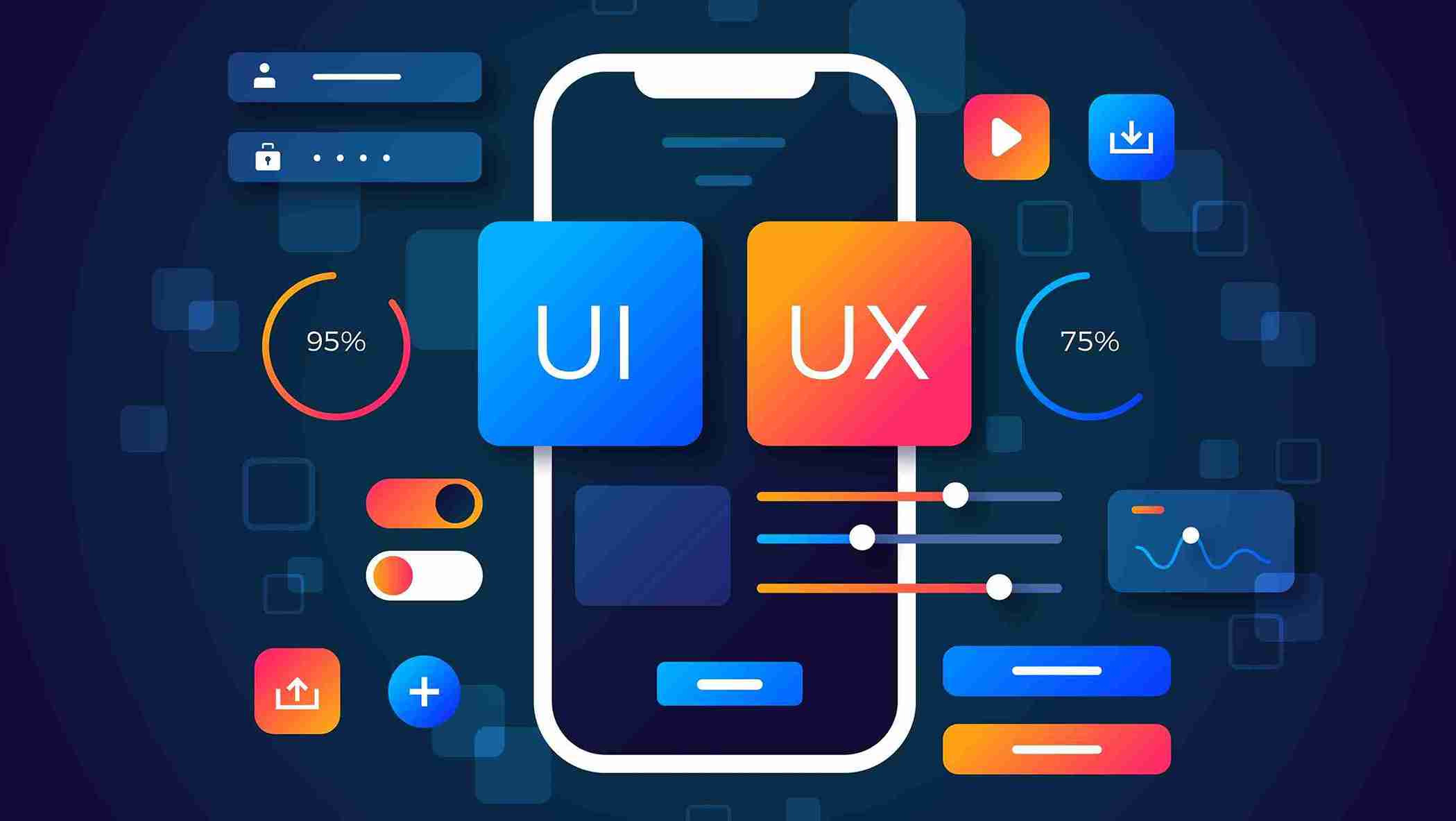
The world of digital products is all about users. Every website, app or software you interact with relies on UI and UX design to make the experience smooth, intuitive and enjoyable. For beginners, understanding user experience and user interface can feel overwhelming, but it’s actually the first step toward building a rewarding career.
What Is UI Design?
UI design, also known as User Interface, is all about the look and feel of digital products. It includes everything from buttons, menus, icons and typography to color schemes, layouts and interactive elements. A strong UI design ensures that the user interface is visually appealing, consistent and easy to use.
For beginners, it’s helpful to think of UI as the part of design that users touch and see. Every user-based decision in UI design affects how smoothly users can navigate through screens and complete tasks. Tools like Figma, Adobe XD and Sketch help designers create wire frames, prototypes and visually engaging UI layouts. A well-designed user interface not only looks good but also supports usability, helping users interact with the product effortlessly.
What Is UX Design?
UX design, also known as User Experience, is about the overall experience of the user. It considers the user’s journey from start to finish, ensuring the product is functional, intuitive and satisfying. UX design involves understanding user needs, analyzing behavior and making decisions that improve usability and the overall user experience.
For beginners, think of UX as the process of solving problems for users. It’s about creating seamless user flows, wire frames and prototypes that guide the user naturally through a product. A good UX design ensures that users can complete tasks without confusion, errors or frustration. It’s also closely linked with accessibility, usability and user-based research, making it an essential part of every digital product.
Difference Between UI & UX
UI Design
- Focuses on the visual elements of a product like buttons, icons, colors, typography and layouts
- Ensures the user interface is aesthetically appealing and interactive
- Deals with the look and feel of screens and interfaces
- Concerned with consistency in design across all pages or devices
- Tools often used: Figma, Adobe XD, Sketch for wire frames, prototypes and visual layouts
UX Design
- Focuses on the overall experience of the user while interacting with the product
- Aims to solve real user problems and make tasks easy to complete
- Deals with user flows, wire frames, prototypes and usability testing
- Tools often used: Miro, Usability Hub for research, testing and mapping user journeys
- Ensures the product is intuitive, meaningful and enjoyable for long-term use
Having mentioned the above, it is clear that UI & UX design are two different things. However, the assumption that two separate professionals are needed to handle it, is not correct! Often, this confusion arises among candidates who are exploring new career paths, which is completely understandable. But, it is important to understand that many organizations hire only one person to take care of both UI & UX design.
Now you must be thinking why is that?
It is because UX design focuses on understanding user needs, planning clear user journeys and improving ease of use, while the UI design focuses on visual elements such as layouts, colors, fonts, buttons and overall screen clarity. These two skills go hand in hand, because without a clear user understanding, design can not provide a better experience. With the help of UI & UX design understanding, a person can build the product from idea to execution as planned without splitting the responsibilities.
Average Salary Of UI/UX Designers In India
The demand for UI and UX designers is growing steadily and salaries are rising along with it. While pay varies by city, industry and company size, strong UI/UX and user-focused design skills can greatly improve earning potential. Designers who keep upgrading their skills and stay aligned with current design trends tend to grow faster in their careers. On average:
- Entry-level designers earn around ₹3 – ₹5 lakh per year.
- Mid-Level Designers with experience earn ₹6 – ₹12 lakh per year.
- Senior Designers can earn upwards of ₹15 lakh per year, depending on skills, portfolio and the company.
Top Career Opportunities In UI & UX Design
1. UI Designer
- Focuses on creating visually appealing user interfaces, including layouts, colors, typography and interactive elements
- Ensures the user interface is engaging, intuitive and consistent across screens
2. UX Designer
- Concentrates on the overall user experience, designing smooth user flows and solving real user problems
- Works with wire frames, prototypes and usability testing to enhance product functionality
3. UX Researcher
- Conducts user research, interviews, surveys and usability tests to understand user behavior
- Provides insights that help make user-based design decisions for UI and UX teams
4. Interaction Designer (IxD)
- Designs how users interact with products, including animations, transitions and interactive elements.
- Ensures clicks, swipes and taps feel natural and support a smooth user experience.
5. Product Designer
- Handles both UI and UX design aspects, from visual elements to user flows
- Collaborates with developers and managers to create products that are functional, user-friendly and visually appealing
6. Visual Designer / Graphic Designer
- Creates visual assets, icons, illustrations and layouts to support UI teams
- Helps improve the aesthetics of user interfaces while contributing to an overall positive user experience
7. Information Architect
- Organizes content, menus and navigation so users can find information quickly and efficiently
- Focuses on user-based structure, logical flows and hierarchy to enhance usability
8. Mobile App Designer
- Specializes in designing mobile app interfaces for Android and iOS
- Focuses on touch interactions, responsive layouts and user-friendly navigation for small screens
9. Usability Analyst / UX Tester
- Tests digital products for usability and accessibility, identifying friction points in user flows.
- Provides user-based recommendations that guide UI/UX improvements
10. Freelance UI & UX Designer
- Offers UI and UX design services to multiple clients or startups
- Great for beginners and career switchers to build portfolios, gain practical experience and explore various industries
Essential Tools For UI & UX Designers
Widely used by macOS users for creating UI designs and interfaces, it supports reusable symbols and components for consistency. Beginners should get familiar with key UI and UX tools that make design efficient and user-centered.
1. Figma: Popular for UI design, prototyping and collaboration. It allows real-time teamwork and easy hand off to developers.
2. Adobe XD: Great for wire framing, creating interactive prototypes and designing UI layouts. It supports design systems and integrates well with other Adobe tools.
3. Sketch: Widely used by macOS users for creating UI designs and interfaces. It supports reusable symbols and components for design consistency.
4. Miro: Useful for user journey mapping, brainstorming and flow diagrams. It helps organize ideas visually in team sessions.
5. Axure: Powerful tools for interactive prototypes and UX testing. It helps designers simulate real user experiences before development.
6. Usability Hub: Tools to test designs, track user behavior and gather feedback.
How To Start Your In UI & UX Design?
UI/UX is one of the most creative and rewarding career paths in the digital space, combining design thinking, problem-solving and visual creativity. With a structured learning approach and regular practice, starting a career in UI and UX design becomes much easier. Here are the key steps to get started in UI and UX design:
- Getting started in UI/UX requires a balanced mix of formal education, practical knowledge, hands-on practice and a clear understanding of how users interact with digital products.
- Begin by clearly understanding the difference between UI, which focuses on how things look and UX, which focuses on how things feel to users
- Start experimenting with design tools like Figma, Adobe XD or Sketch to get comfortable with the basics
- Practice by redesigning apps or websites you already use and noticing what works well and what feels confusing
- Improve your skills through online courses that cover design thinking, wire framing and usability testing
Tips For Beginners
Here are some practical tips to start strong in the world of UI and UX:
- Learn Design Basics: Understand color theory, typography, contrast and alignment. A good UI depends on strong visual design principles.
- Study User Behavior: Observe how real users interact with products. UX design is all about empathy and creating intuitive experiences.
- Practice Wire Framing And Prototyping: Start with low-fidelity sketches and move to detailed mock ups. It helps visualize the user journey better.
- Keep The User First: Always design with a user-based mindset. Every button, layout, and interaction should make sense to the user.
- Build A Portfolio Early: Even simple personal projects can show your thought process and understanding of user experience.
Mistakes To Avoid In UI & UX Design
Every beginner makes mistakes, but learning to recognize them early can save time and frustration. Here are a few to watch out for:
- Ignoring The User: Designing based on personal taste instead of user needs leads to poor user experience.
- Too Much Visual Clutter: Adding too many colors, fonts, or animations can confuse users.
- Skipping Research: UX design depends heavily on understanding users. Always do proper user research before starting a project.
- Lack Of Consistency: Consistent design elements create trust and familiarity in the interface.
- Neglecting Usability Testing: Even the best-looking design can fail if it’s not user-friendly. Testing ensures real users find it easy to use.
Conclusion
UI and UX design focuses on creating digital experiences that feel simple, useful and engaging for real users. With growing demand across industries, learning user – centered design, practicing with the right tools and understanding basic design principles can open up strong career opportunities. By staying curious, improving skills consistently and paying attention to how people actually use products, beginners can build a rewarding career in UI and UX design and create experiences that truly make an impact.
Related Reads:
- Graphic Designing Interview Questions & Answers
- 15 Interview Questions And Answers For Freshers
- How To Introduce Yourself In An Interview?
FAQs
Q1. What is UI design?
UI design focuses on the visual elements of a product, including layouts, buttons, colors and interactive components that users see and use.
Q2. What is UX design?
UX design is about creating smooth, intuitive and meaningful experiences for users, ensuring the product is easy to navigate and solves real user problems.
Q3. Can beginners start a career in UI/UX design?
Yes, beginners can start by learning design basics, practicing tools and building portfolios that demonstrate user-based design skills.
Q4. What are the top tools for UI/UX designers?
Key tools include Figma, InVision and Hotjar for designing, prototyping and testing user experiences.
Q5. Do I need a technical background for UI/UX design?
No, a technical background is not required, creativity, problem-solving and understanding user behavior are more important.
Q6. Can I switch to UI/UX from a non-design background?
Yes, many designers transition from fields like engineering, marketing, content or support by learning design fundamentals and building a portfolio.
Q7. Is UI/UX a good career choice in the long term?
UI/UX design offers steady growth opportunities as digital products continue to expand across industries.
Q8. Are UI and UX handled by the same person?
In many companies, one UI/UX Designer manages both UI and UX tasks, especially in startups and small teams.
Q9. Can I learn UI/UX design in 3 months?
Three months is enough to understand the basics and practice tools, but strong skills develop with continued learning.
Q10. Which programming language is used in UI/UX design?
UI/UX does not require coding, but basic knowledge of HTML and CSS can be helpful.



 Facebook
 Instagram
 Twitter




