How to apply for Back Office jobs in MIDC, Pune using the Job Hai app?
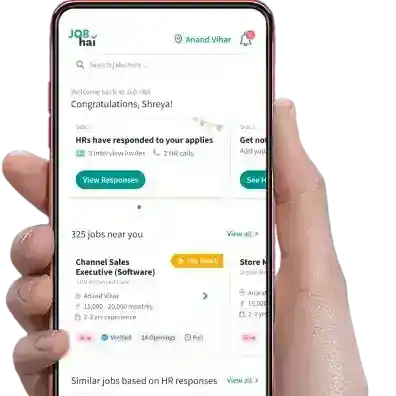
Ans: You can easily apply and get Back Office jobs in MIDC, Pune on the Job Hai app by following these easy steps:
Download Job Hai app
Sign up/Login using your mobile number and complete your profile
Set your city as Pune
Set your locality as MIDC
Go to the profile section and select the Back Office / Data Entry category
Apply for the relevant Back Office / Data Entry jobs in MIDC, Pune and schedule an interview by calling the HR directly
Why should you download Job Hai app to find Back Office jobs in MIDC, Pune?
Ans: Download Job Hai app to find verified Back Office jobs in MIDC, Pune you can directly connect with HR to set up the interview. You also get regular updates for new Back Office jobs in MIDC, Pune based on your qualification and skills.
Why should you Download the Job Hai App to find jobs in MIDC, Pune?
Ans: Download the Job Hai app to find the verified jobs in MIDC, Pune. Connect directly with HR to schedule interviews and receive regular job updates for various roles in MIDC, Pune based on your qualifications.
 A Naukri Group company
 LoginHire Local Staff














 Facebook
 Instagram
 Twitter